 Help
Open the assignment pool
Open Settings → My Company → Auto Assign Users. The table shows each attached staff member, email, Weight and Positions. Only staff attached to this company’s pool participate in its automatic assignment.
Automatic assignment fills an application that has no owner when that application is saved. It does not continually redistribute applications that already have an assignee.
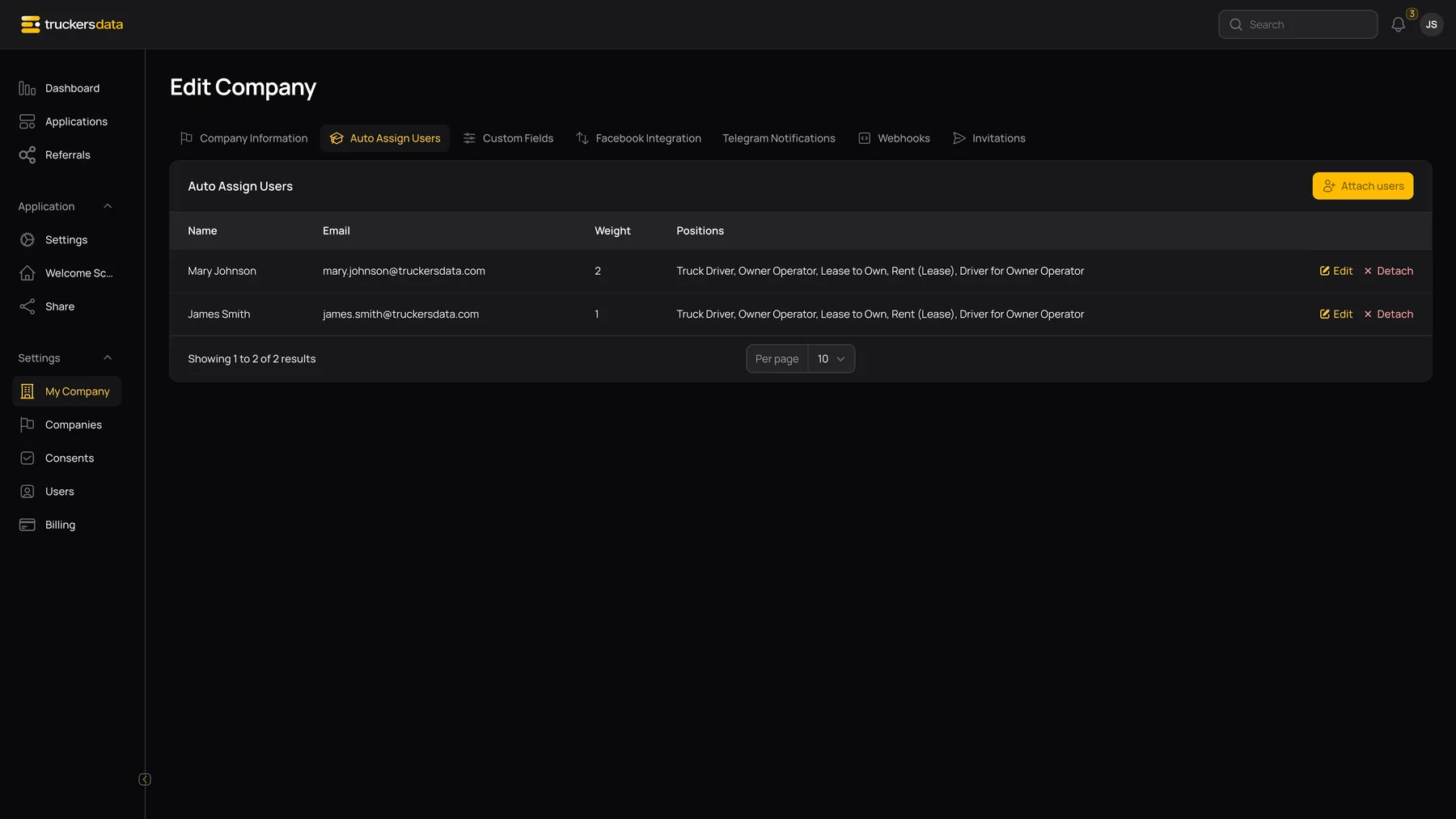
Attach users
| Control or field | What it does |
|---|---|
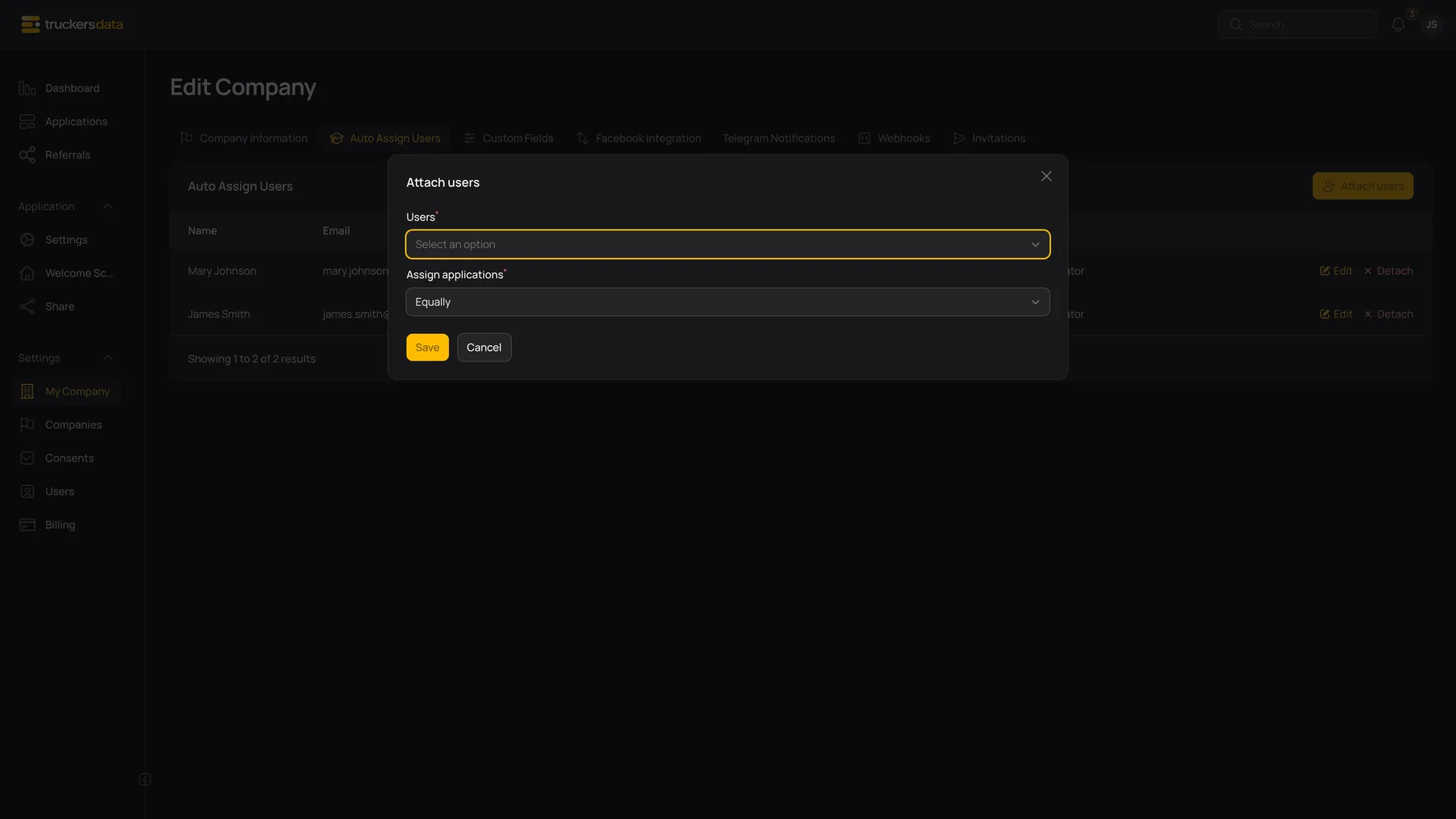
| Attach users | Opens the setup dialog for company users not already attached. |
| Users | Select one or more eligible staff members from this company. |
| Assign applications → Equally | Gives the selected users equal starting weights. |
| Assign applications → Unevenly | Shows an individual weight for each selected user. A higher weight gives a person a larger share relative to their assigned workload. |
| Assign applications → By Position | Shows position selections for the selected users. |
| Save | Adds the selected users without removing staff already in the pool. |
Example: James at weight 2 and Mary at weight 1 expresses a larger intended share for James. It is a balancing preference, not a promise that each next group of three applications will be assigned in an exact fixed order.
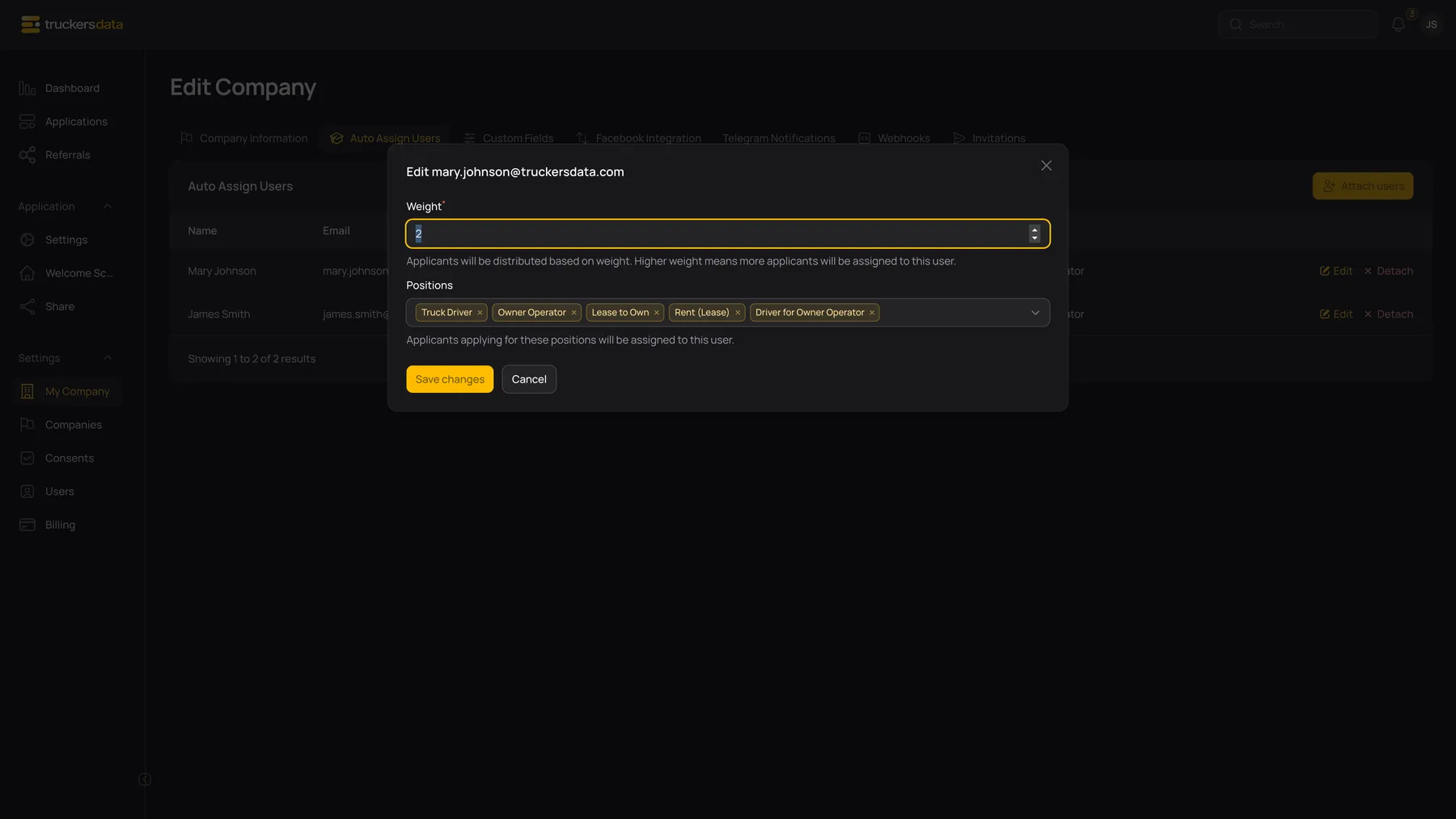
Edit, detach and check assignment behavior
| Control or field | What it does |
|---|---|
| Edit → Weight | Adjusts the user’s relative weight. The editor accepts 0–100; a saved 0 is still treated as a minimum weight of 1 during assignment, so it is not a pause switch. |
| Edit → Positions | Selects the positions associated with the staff member. Check incoming records after changing position routing. |
| Detach | Removes the user from the automatic-assignment pool. It does not clear ownership of applications already assigned to them. |
| Manual Assign to | Use the application’s assignment control when you need a specific owner rather than the automatically chosen owner. |
What a pool change does not do
- Changing a weight does not rebalance all existing records.
- Changing the position on an already assigned application does not automatically select a new owner.
- A Full-form draft can receive an owner before its position is chosen. Check that owner after the driver supplies or changes the position.
- Clearing an assignee while a pool is active can result in assignment again on save.
- Position selections should be tested with sample incoming applications; do not assume they create a separate application form or guarantee a strict routing exclusion.
After setup, submit an authorized test intake, then check company, position and assignee in Applications. Use manual assignment if the result is not the intended owner.