 Help
A template and a saved file are different records
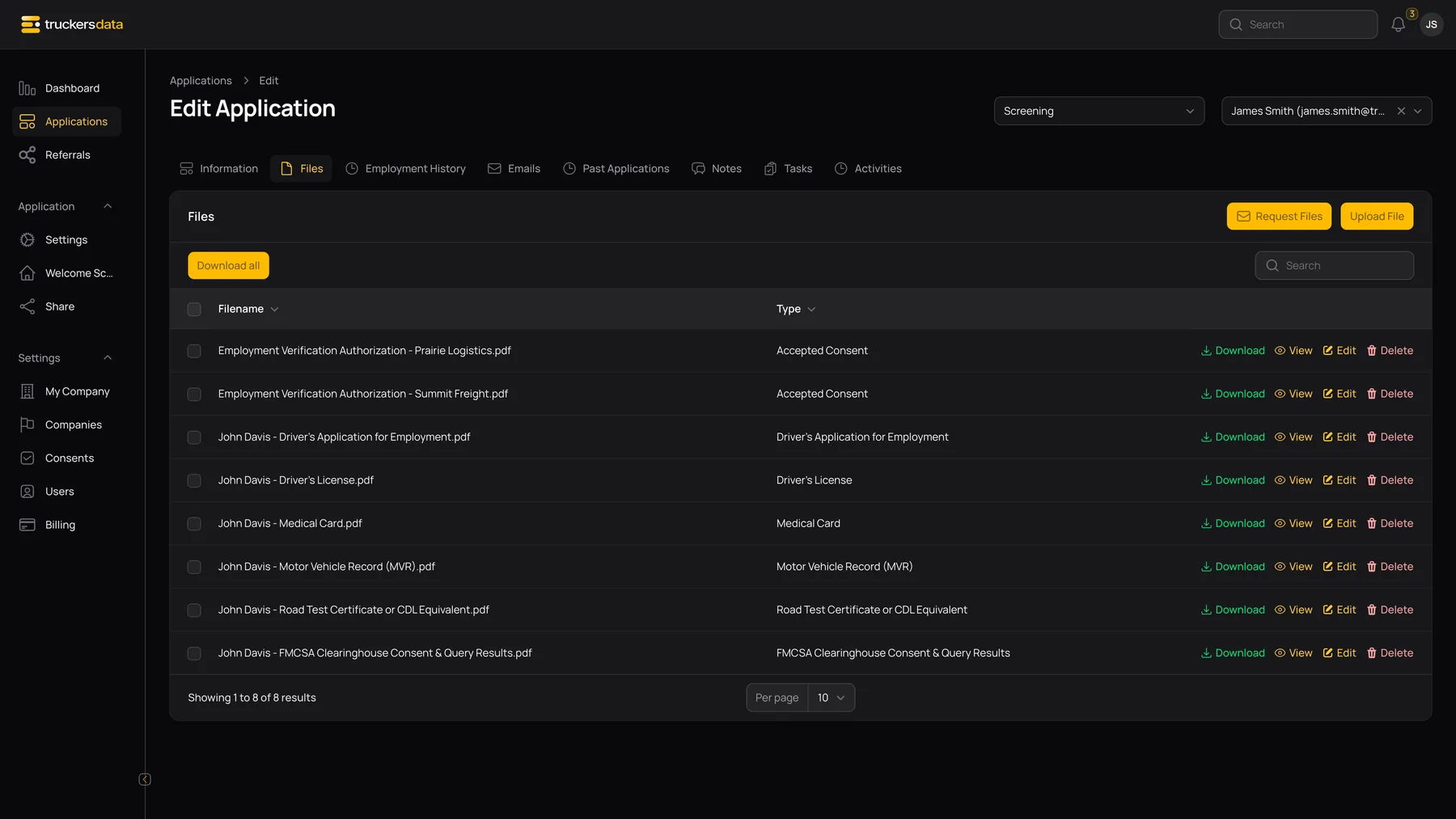
The Consents library holds the reusable document definition. The Files tab holds documents generated or copied for a particular application. Editing the reusable definition does not regenerate files that were already saved.
A fresh public consent preview renders the current definition, even when its application details are older. For historical evidence of what was generated during a submission, open the stored application file rather than relying on a newly rendered template preview.
How each change affects the public form
| Change | Applications that have not processed this consent | Applications that already processed it |
|---|---|---|
| Edit Title, Content, Accepted line, or attachment | The next loaded consent step uses the updated document. | The existing response is not reset; the application does not automatically ask for agreement again. Saved files are not regenerated. |
| Turn Required on or off | The consent step uses the new requirement when the applicant reaches it. | The prior response remains; changing the flag does not force a new response. |
| Turn Active off | The document is no longer selected for the public consent stage. | Existing responses and stored files are not erased by deactivation. |
| Turn Active on | The document becomes eligible again for applicable applications without a response. | An application with an existing response is still not automatically asked again. |
| Change Global | Changes whether an active document can be eligible across companies. | Does not create a new response requirement for a previously processed record. |
| Create a new consent version | It is a separate document, so eligible applicants who reach consent can be shown that new version after activation. | Completed applications are not automatically reopened or emailed to collect the new version. |
Recommended replacement workflow
- Keep the used consent record as the historical template reference.
- Create a new consent for the replacement text, or use Replicate as a starting point.
- Give the replacement a distinguishable title, such as an approved version date.
- Check Type, Required, Global, and the Accepted line.
- Test the new record in a fresh application, including its generated document.
- Deactivate the old record when it should stop appearing in future consent steps.
- Activate the replacement when it is ready.
Why deleting is different from deactivating
Deactivate is the normal way to stop using a document while retaining its record. Delete removes the consent and its acceptance associations. Existing file records are retained, but their link to the deleted consent is cleared.
This matters for employment verification: the request control checks for a saved consent linked to an Employment Verification consent for that employer. Deleting the underlying consent can make that authorization no longer qualify for the request control, even though a file remains in the list.
Do not use Delete as a routine way to publish a revised document. Confirm the effect on existing applications and authorization workflows before removing a used consent.
What does not happen automatically
- Editing a document does not email all applicants.
- Editing does not invalidate or clear a recorded Agree choice.
- Deactivating does not remove a previously saved PDF.
- A new required document does not reopen every completed application.
- Changing a Custom PDF into another type is not a document-versioning system.
- A new template preview is not a preserved snapshot of the old wording.
When a different acceptance is needed, coordinate a new document and an appropriate applicant follow-up process with the company administrator.
Troubleshoot a changed consent
The applicant still does not see it: check for an existing response, Active status, and company/global scope. The old filename remains in Files: it was named when generated; editing the template title does not rename old files. The PDF still has old wording: open a new test submission rather than expecting a stored PDF to be rewritten. The wrong document appears after changing type: use a new consent record with the intended type and attachment instead of repurposing a used record.