Help
Add an internal note
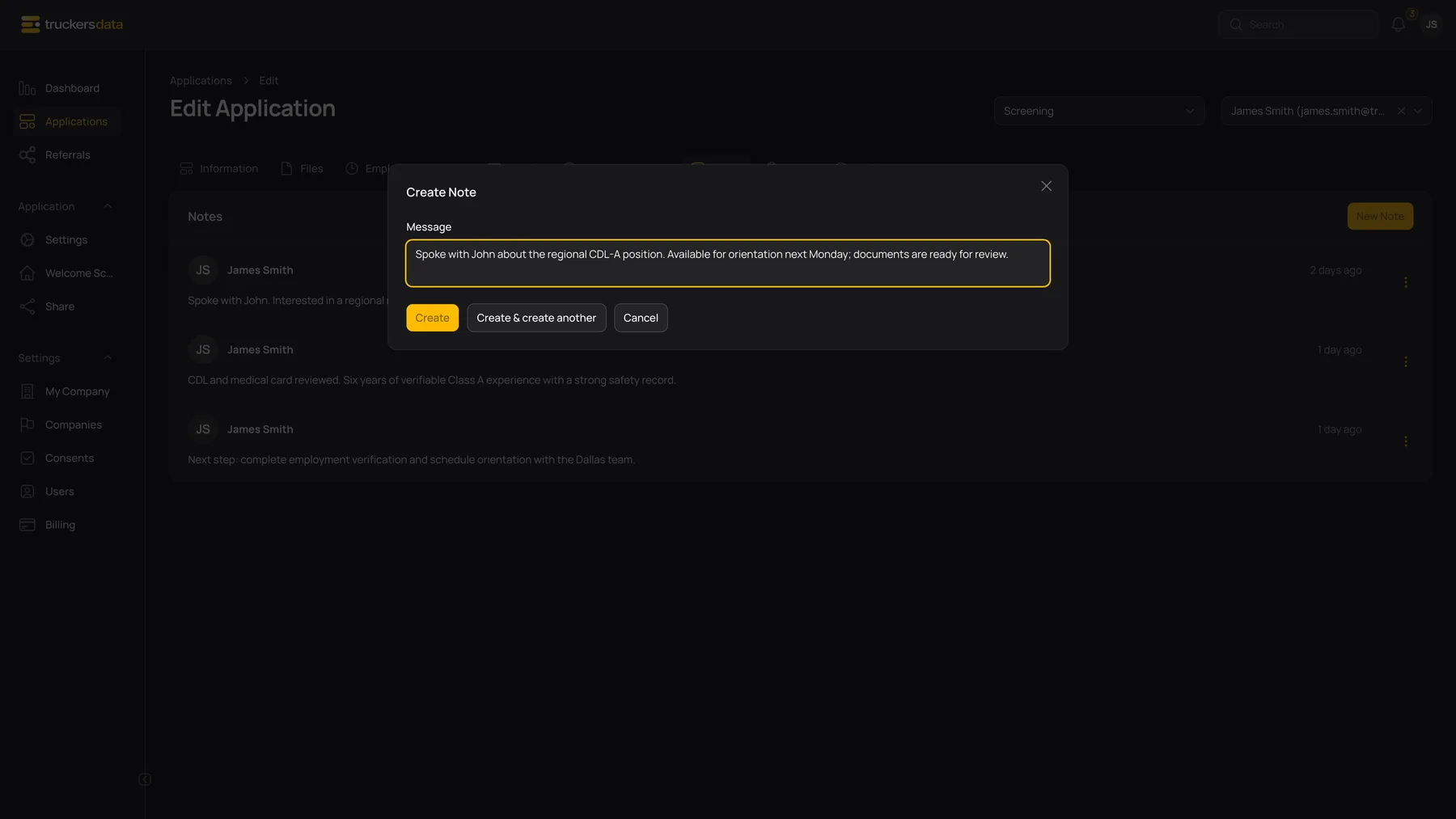
- Open the application’s Notes tab.
- Select New Note and enter the Message.
- Save the note. The list shows its author and when it was created.
Use the note’s action menu to edit or delete it when permitted. Notes are internal recruiting records; writing a note does not send an email or add a question to the applicant’s form. Keep comments factual and appropriate for other authorized staff to read.
For normal company staff, editing and deleting a note is limited to its author. You may be able to read a colleague’s note without being able to change it.
Create a task
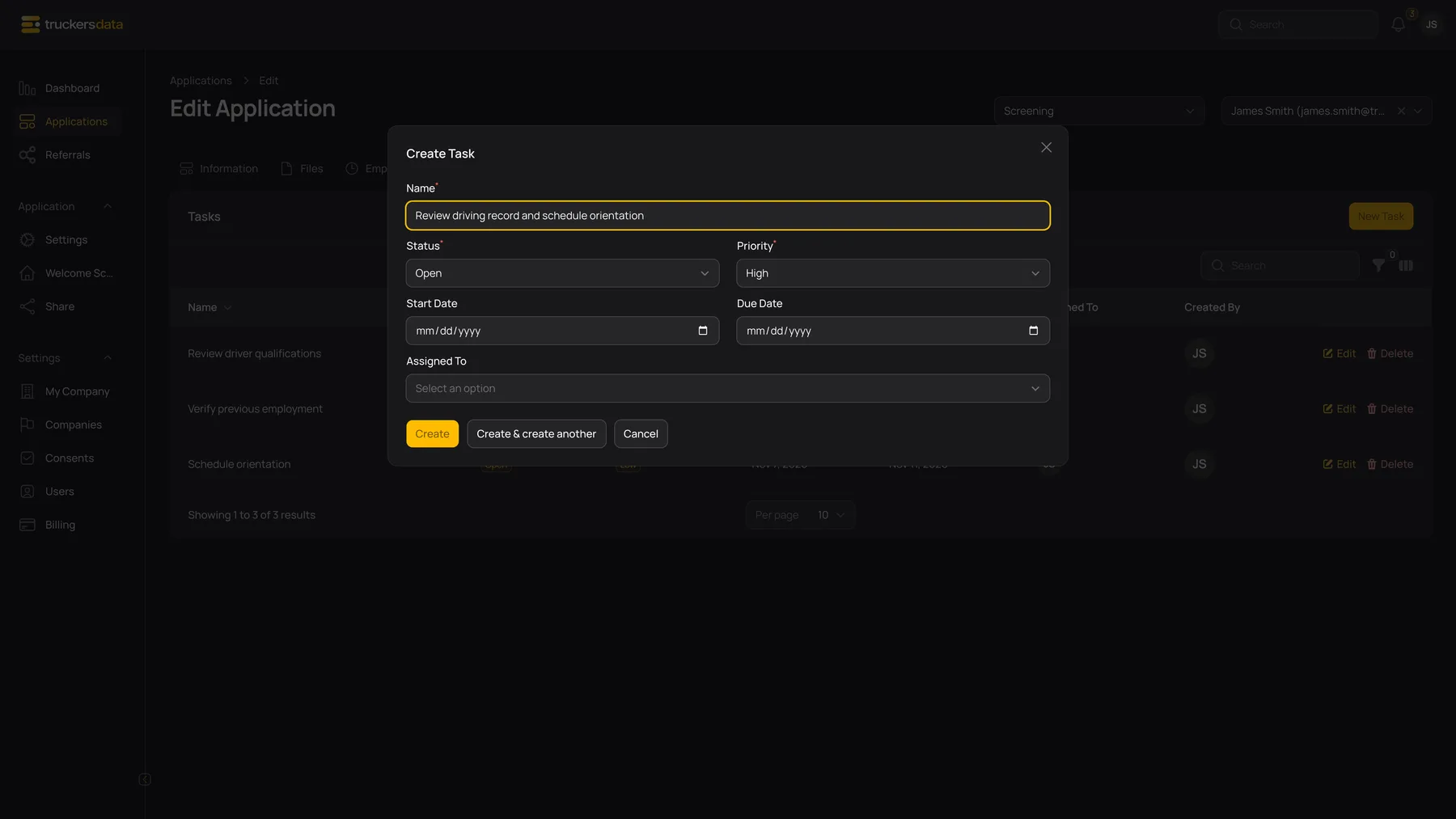
| Control or field | What it does |
|---|---|
| Name | The specific work to do, such as Review medical card or Schedule orientation. |
| Status | Open, In Progress or Completed. Mark Completed when the work is finished. |
| Priority | Low, Medium or High. This is a task priority; it does not change the application’s hiring status. |
| Start Date | An optional planned start date. |
| Due Date | An optional deadline. It cannot be before Start Date. |
| Assigned To | One or more people from your company who are responsible for the task. |
| New Task / Create | Save the task and notify its selected assignees. |
| Edit | Update the task. Newly added assignees receive assignment notifications. |
| Delete | Remove the task when permitted. |
Task assignment creates in-app and email notifications. The application owner and task assignees are separate: assigning a task to Mary does not replace James as the application’s owner.
For normal company staff, task editing/deletion is limited to the task’s creator. Being an assignee does not by itself grant permission to edit someone else’s task; ask its creator to update it if Edit is unavailable.
Find work that needs attention
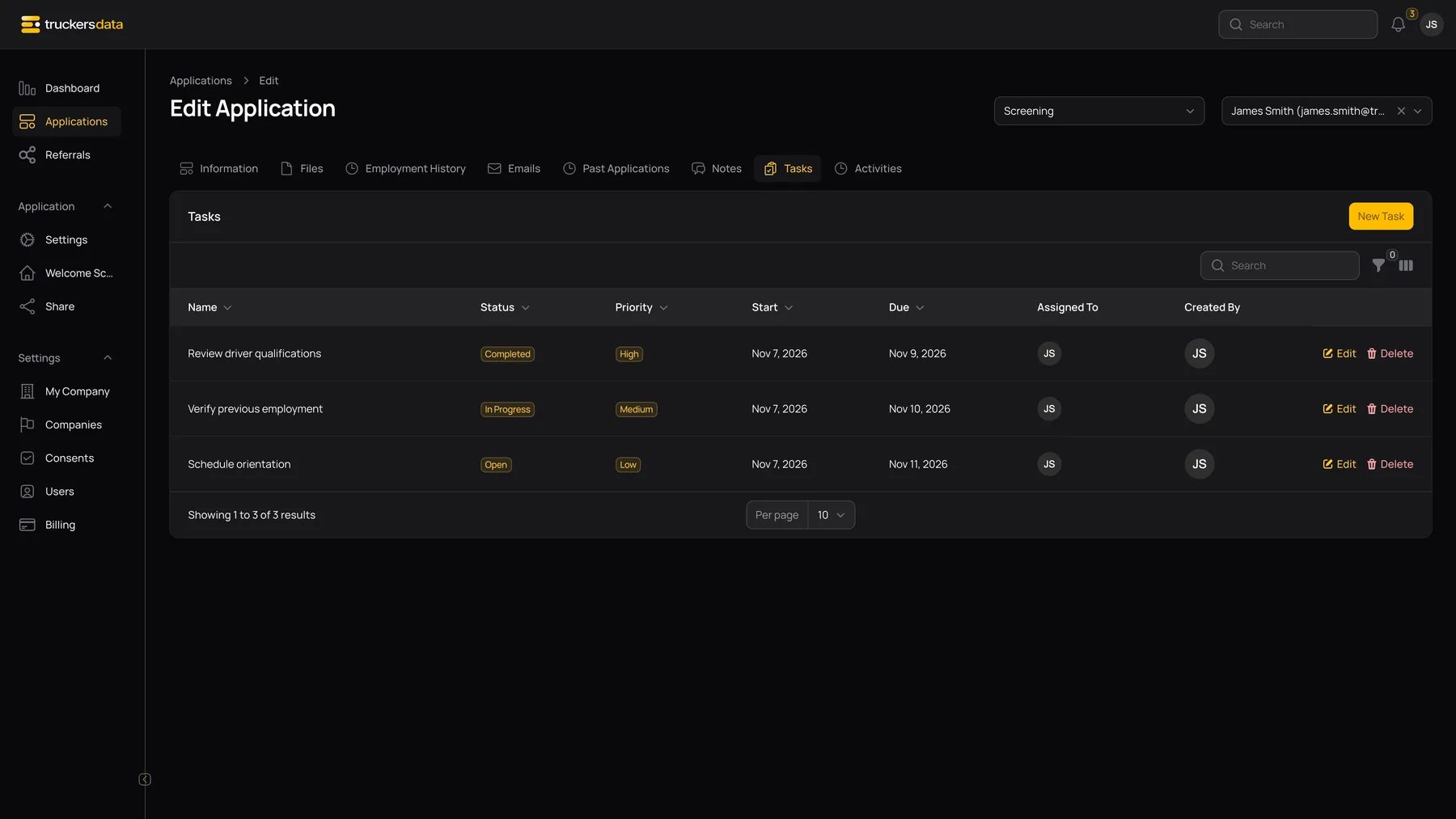
Use the task filters for Status, Priority, Due Today or Overdue. Overdue means the due date is before today and the task is not Completed. The list defaults to earlier due dates first. The due-reminder process checks unfinished tasks whose due date has arrived and notifies their assignees; reminder delivery depends on the service running normally.
To stop treating finished work as overdue, set its status to Completed rather than only adding a note that it was done.
Understand the other history tabs
| Control or field | What it does |
|---|---|
| Emails | Shows application-related mail records. Review message details and delivery information where available. A recorded email is different from an internal note. |
| Past Applications | Shows previous signed records for the same applicant and company, ordered by signature date. It is not a list of every application the person has made to every company. |
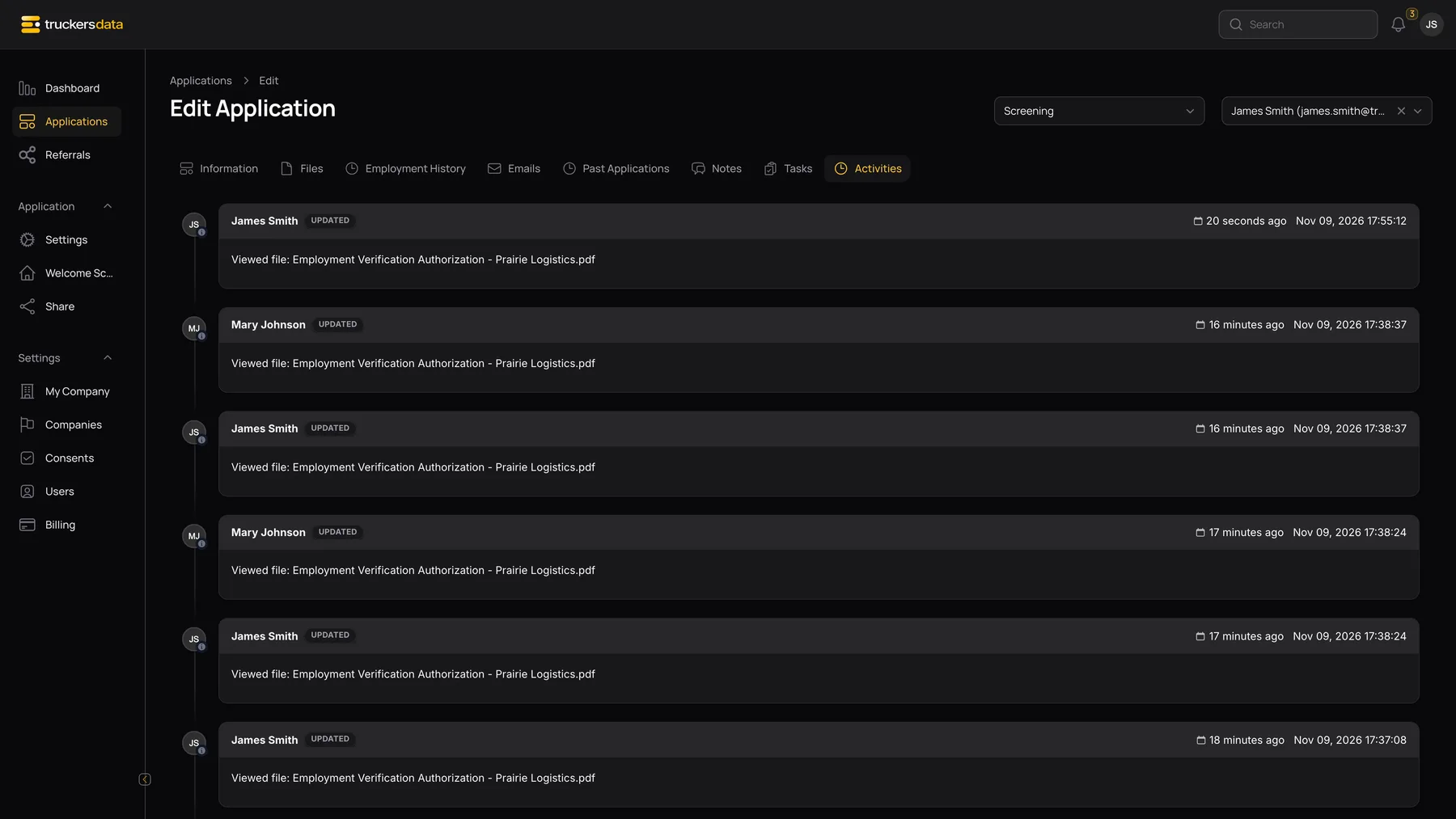
| Activities | Shows the recorded timeline, including changes, file actions and task activity. It helps establish what happened and when; it is not the screen for editing the source application. |